PivoHub sets a default maximum of 10 cases per order for all your products. Here's how to increase it quickly.
Access "Availability"
Click on the "Availability" module in your dashboard.
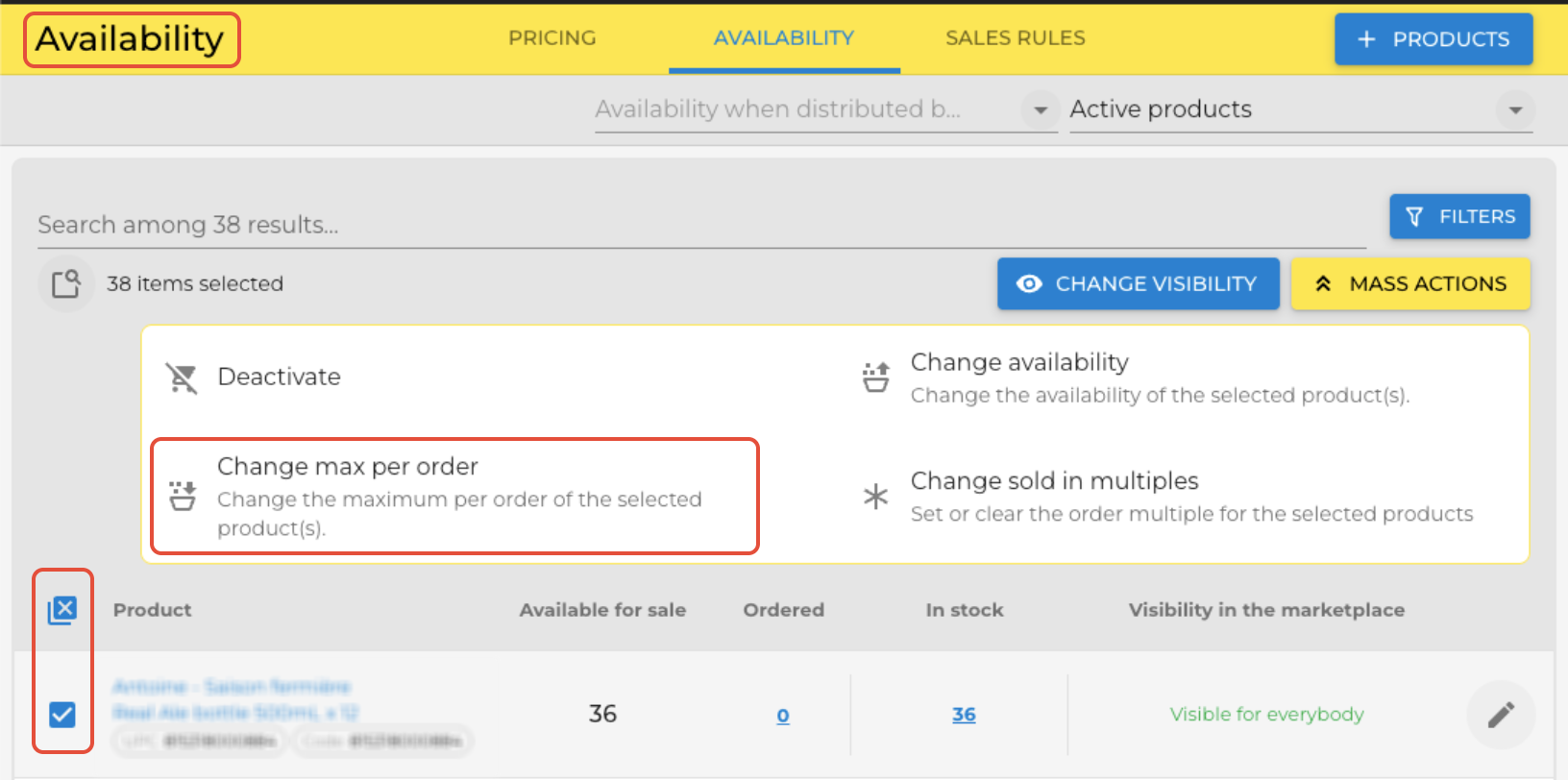
Select your products
Check the box at the top left to select all your products, or check individual products you wish to modify.
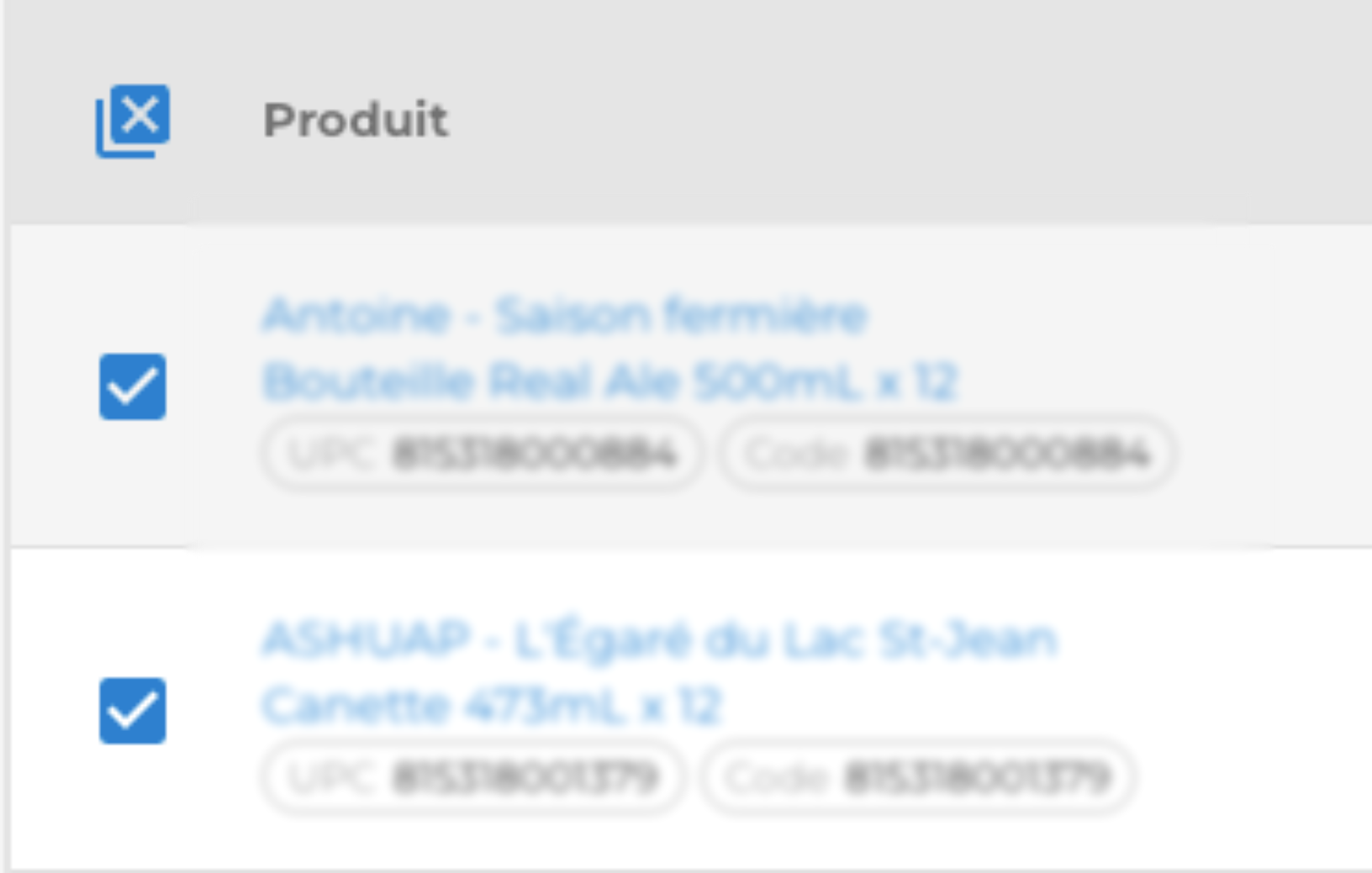
Use "Mass Actions"
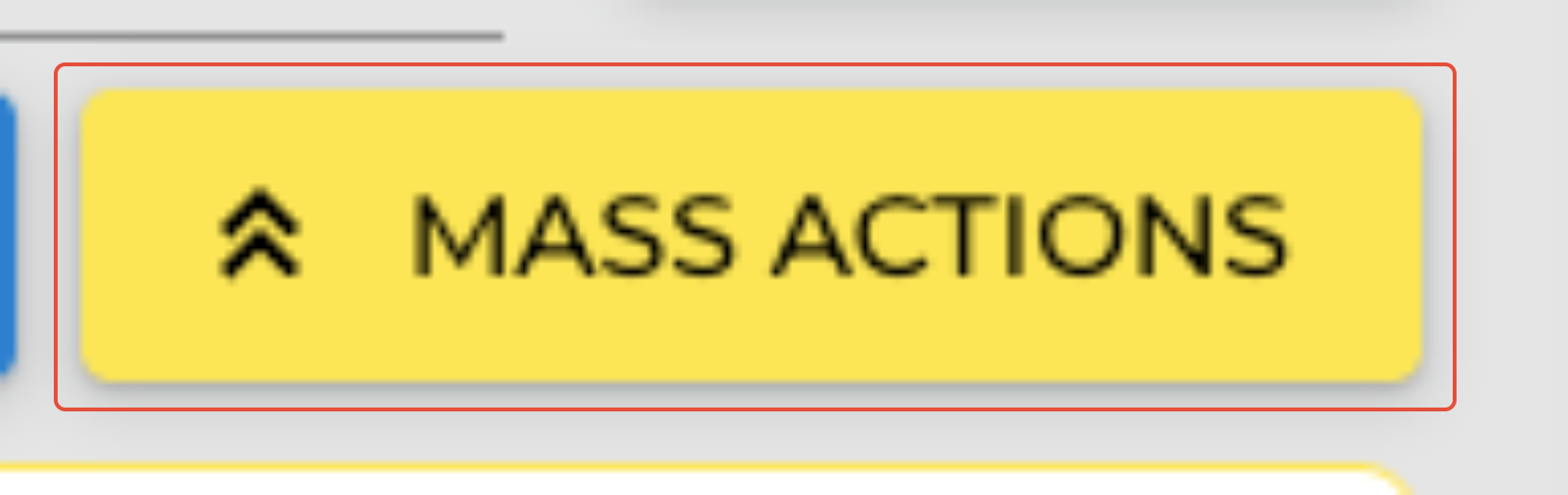
Click the "MASS ACTIONS" button, then select "Change maximum per order".

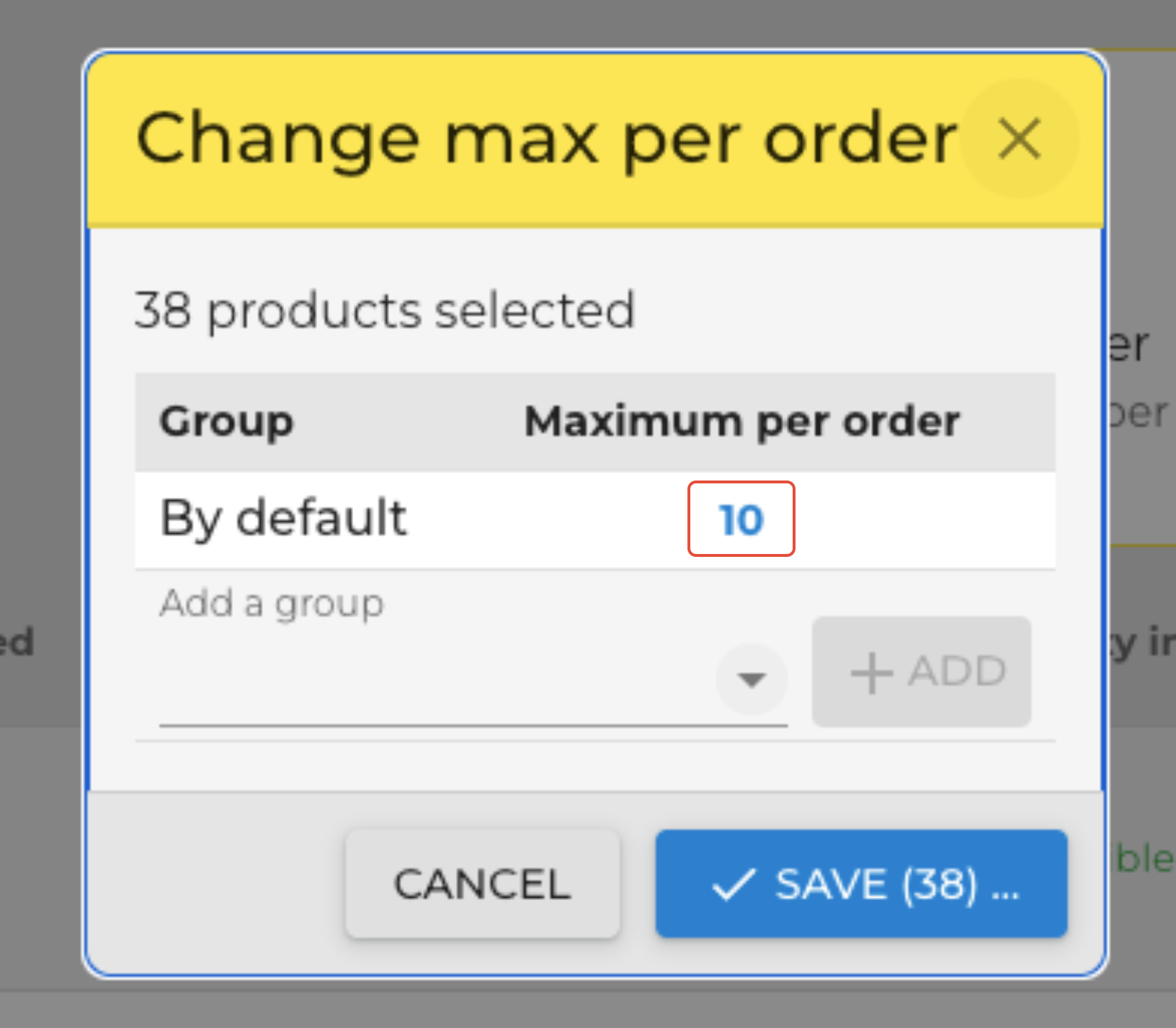
Enter the new limit.
In the window that appears, enter the new limit (e.g., 20, 50, or 100 cases) and click "SAVE".
✅ Tip: Adjust this limit based on your stock capacity and your buyers' needs.
Done! Your buyers can now order up to the limit you've set.
Was this article helpful?
That’s Great!
Thank you for your feedback
Sorry! We couldn't be helpful
Thank you for your feedback
Feedback sent
We appreciate your effort and will try to fix the article