Here is a detailed guide on how to pay an invoice using your bank card or credit card directly on Pivohub.
In order to be able to pay a bill, you need to activate the Stripe payment methods.
Here's the link: Add a payment method
 Please note that the ability to pay a bill directly on Pivohub depends on the vendor who issued the bill to you.
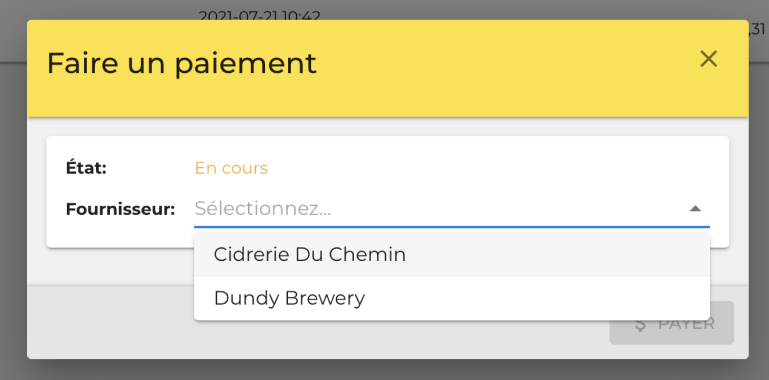
Step 1: In the "Accounts Payable" tab, click on the "Make a Payment" button, then select the supplier you wish to pay.
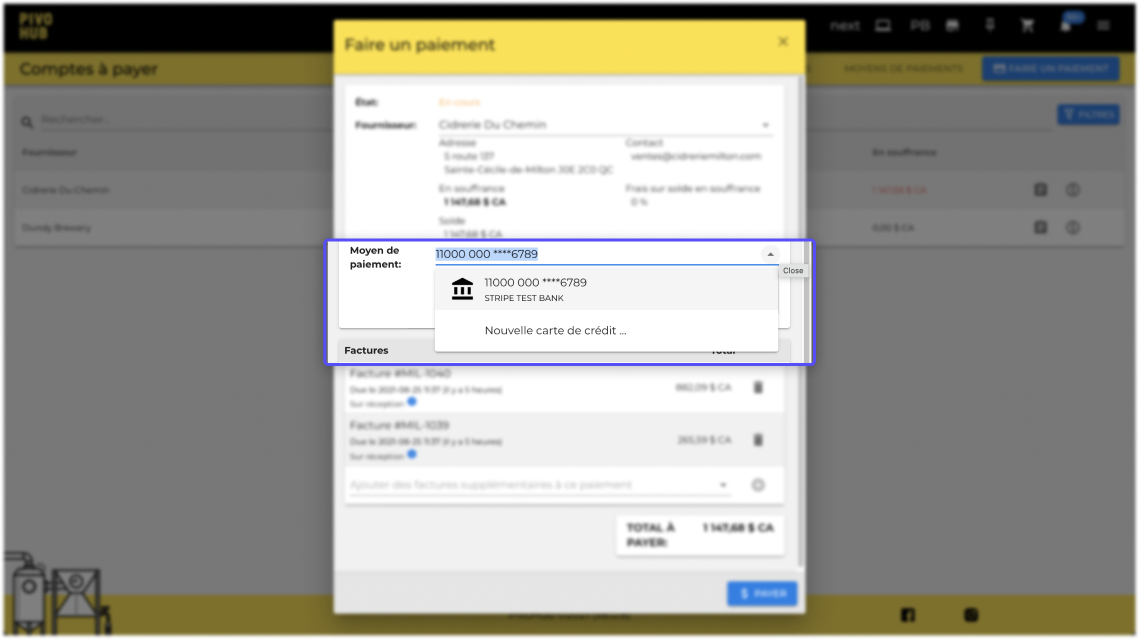
Step 2: Select the payment method you wish to use.
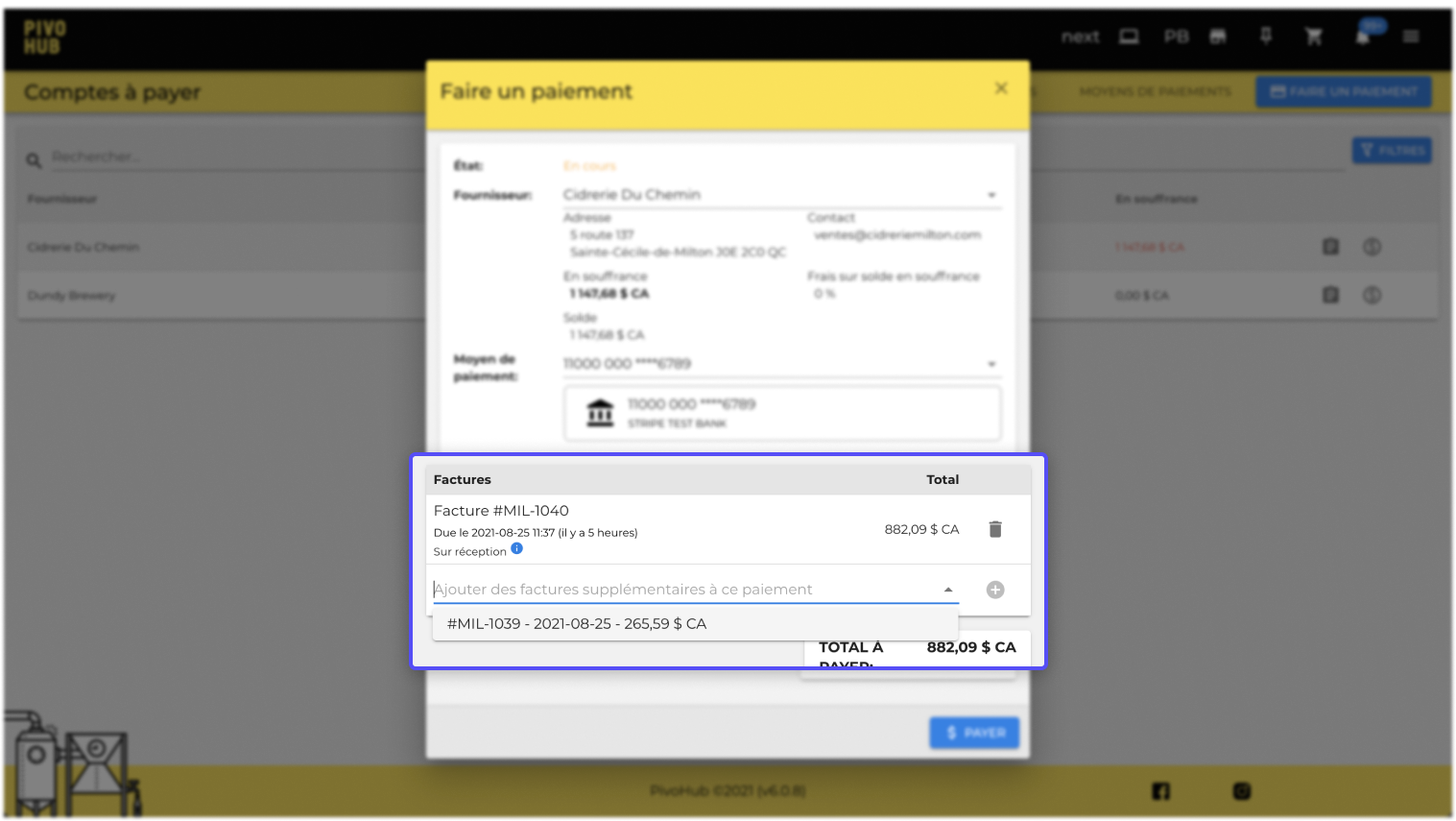
Step 3: Add or remove the invoices you wish to pay.
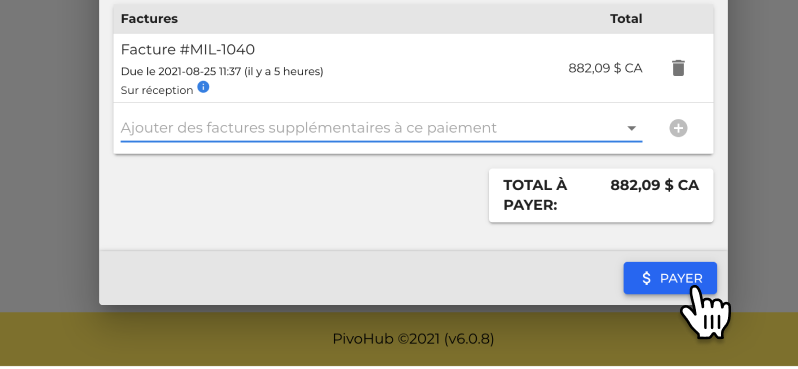
Step 4: Click on “Pay” to complete the transaction.
Was this article helpful?
That’s Great!
Thank you for your feedback
Sorry! We couldn't be helpful
Thank you for your feedback
Feedback sent
We appreciate your effort and will try to fix the article