When setting up your profile, please fill in as many fields as possible. This will enhance your experience on the platform and help your future suppliers find all the information they need.
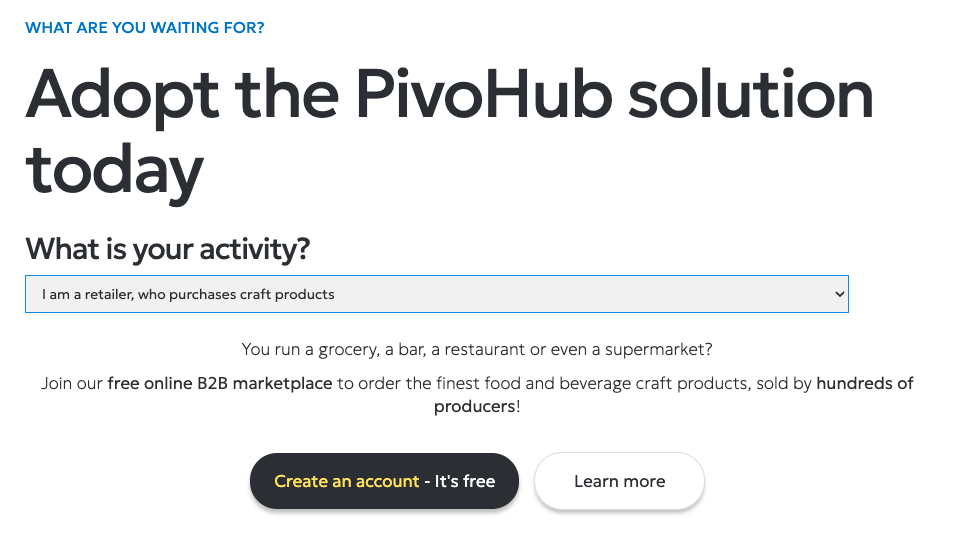
Go to : https://www.pivohub.com/en/join and select "I'm a retailer who purchases craft products." and clic on "create an account."
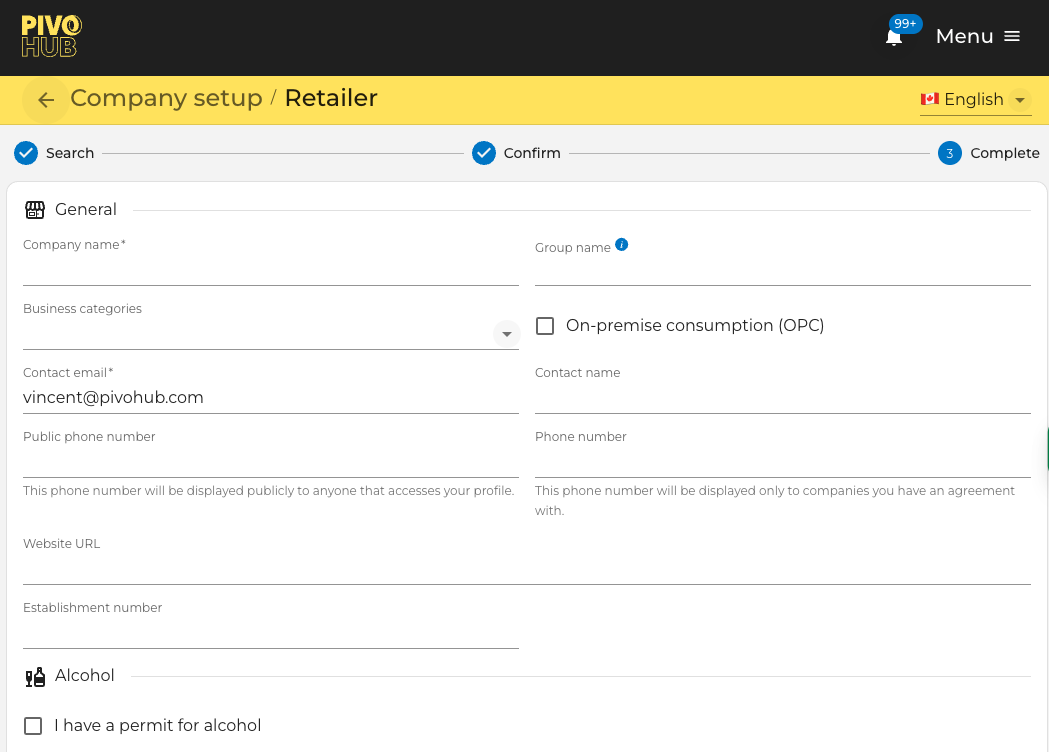
Company name
This field is required to continue the setup.
This is the individual public name of your business.
If you have multiple stores with the same name, enter the corresponding chain name in the Group Name field.
Business categories
- At-home consumption (CAD)
- On-site consumption (CSP)
Check this box if your business offers on-site consumption (bar, terrace, restaurant, etc.)
Contact email
This field is required to continue the setup.
Please use a professional email. It will be used to send you communications, supplier invoices, notifications
Contact name
Public phone number
This phone number will be publicly displayed to anyone accessing your profile.
Phone number
This phone number will only be displayed to companies with whom you have an agreement.
Website URL
To help people identify your business on the rather wild web
It will also be displayed in your Explorer profile.
Was this article helpful?
That’s Great!
Thank you for your feedback
Sorry! We couldn't be helpful
Thank you for your feedback
Feedback sent
We appreciate your effort and will try to fix the article