To see your future delivery dates on Pivohub
Log in to your account on PivoHub.
Go to the "Orders" section.
You will find the list of your orders and the status of your future deliveries there.
In the "Deliveries & Pickups" tab, you will find the summary of all upcoming deliveries.
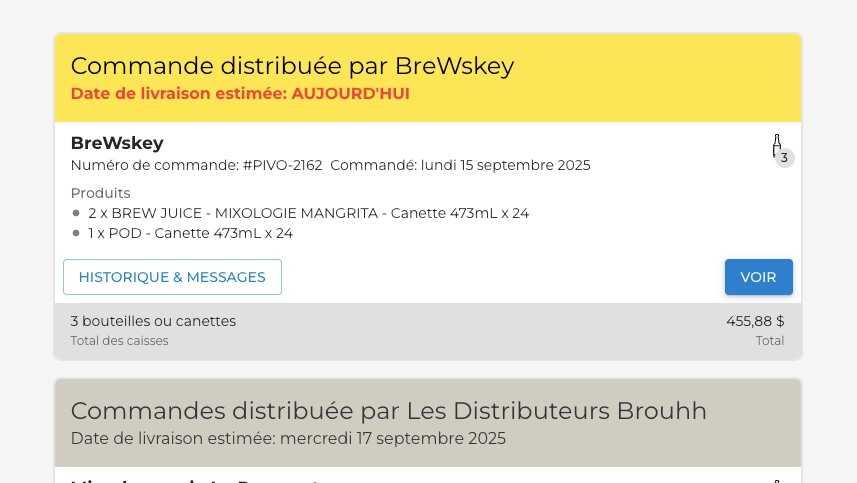
Some suppliers do not use delivery dates; don't hesitate to ask them to make your daily life easier.
Was this article helpful?
That’s Great!
Thank you for your feedback
Sorry! We couldn't be helpful
Thank you for your feedback
Feedback sent
We appreciate your effort and will try to fix the article