Here are the steps to place orders on PivoHub:
Once your business registration is complete, go to the supplier discovery section to establish new relationships:
To do this, go to Menu > Suppliers > Discover Suppliers. 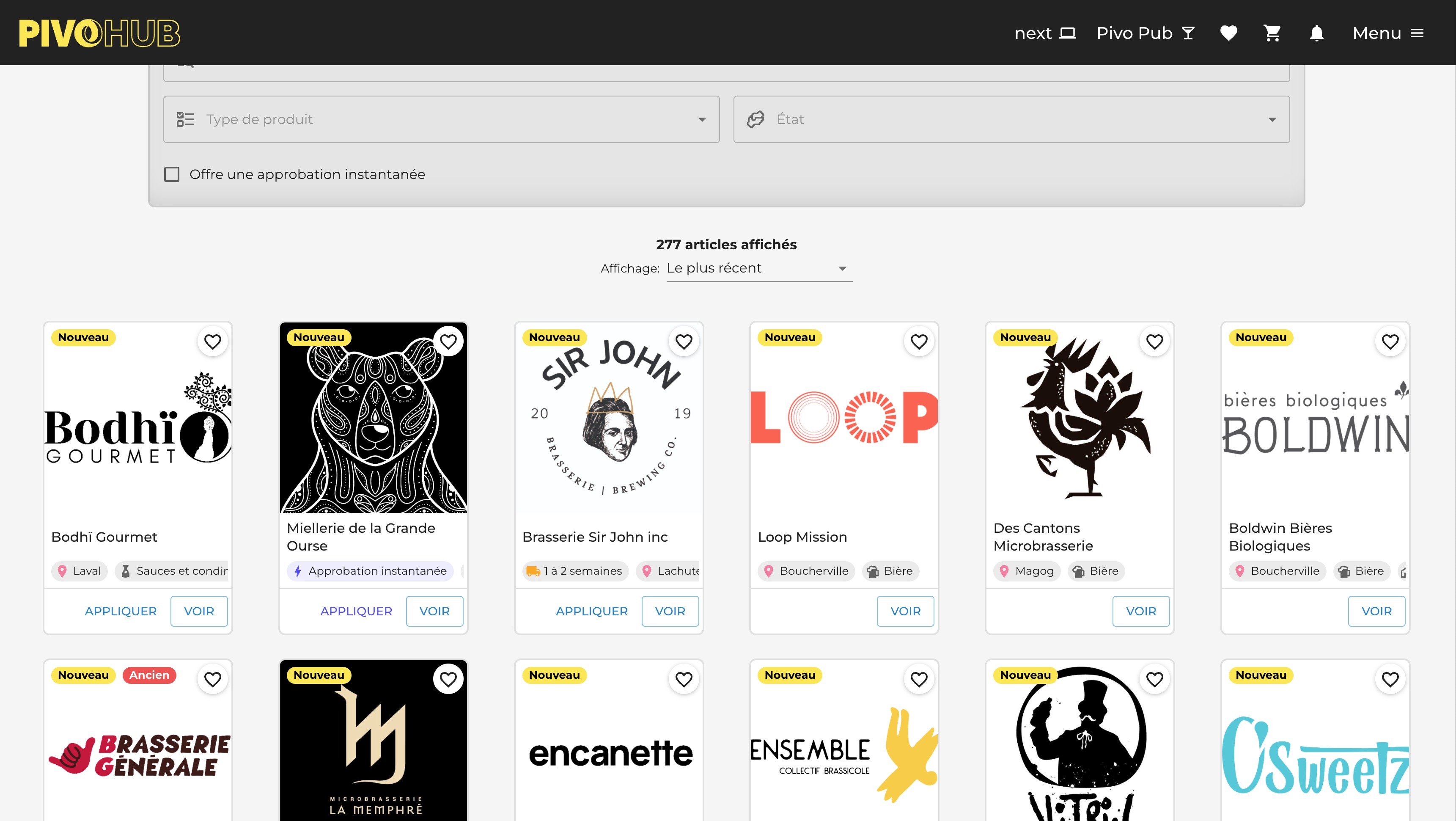
Once the request is accepted from the supplier, go to your PivoHub marketplace.
Find your personalized offers in the market Menu > Market
Here you can sort your selection based on your suppliers.
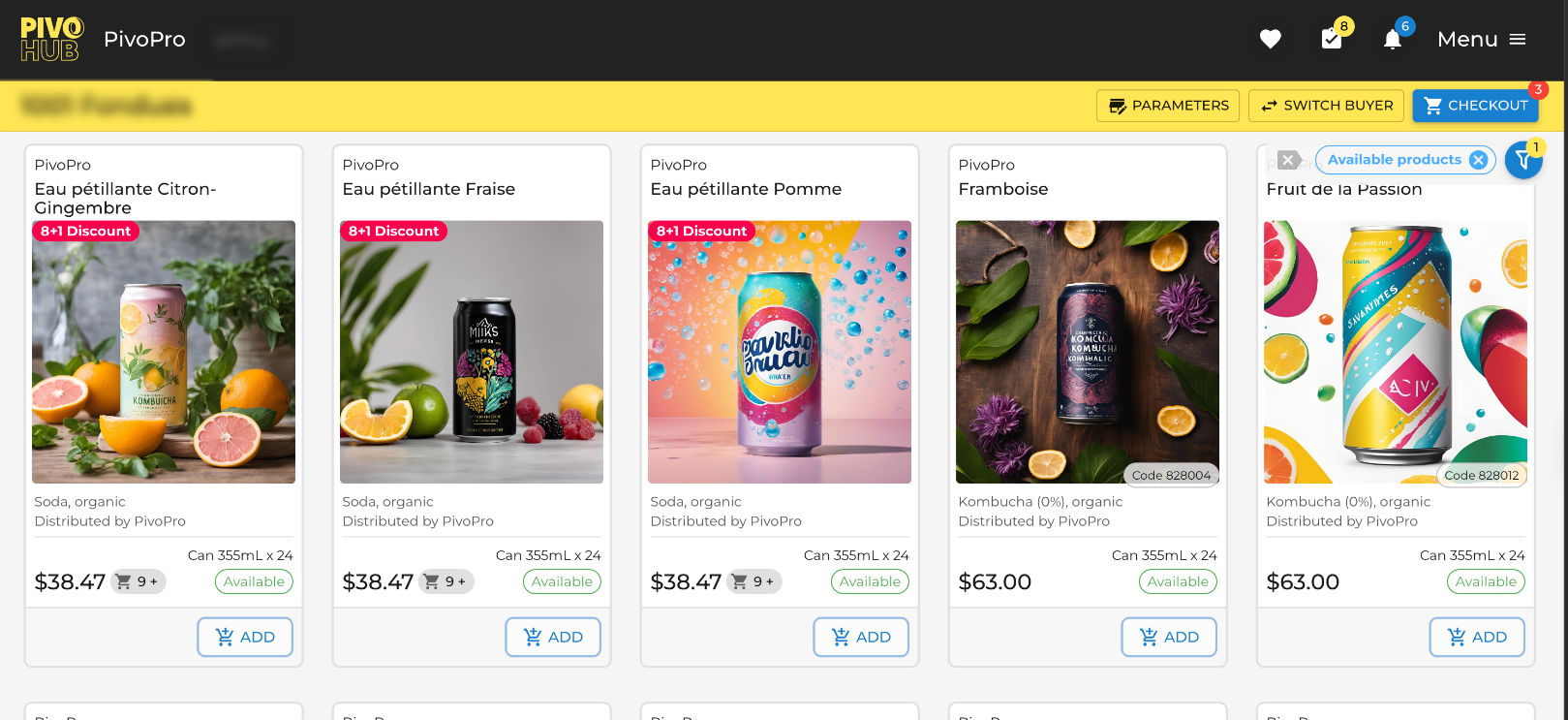
The prices you see are individual, they result from your relationship with your supplier. No one other than you can access it.
Find your volume, seasonal, percentage promotions, and products in inventory with your supplier.
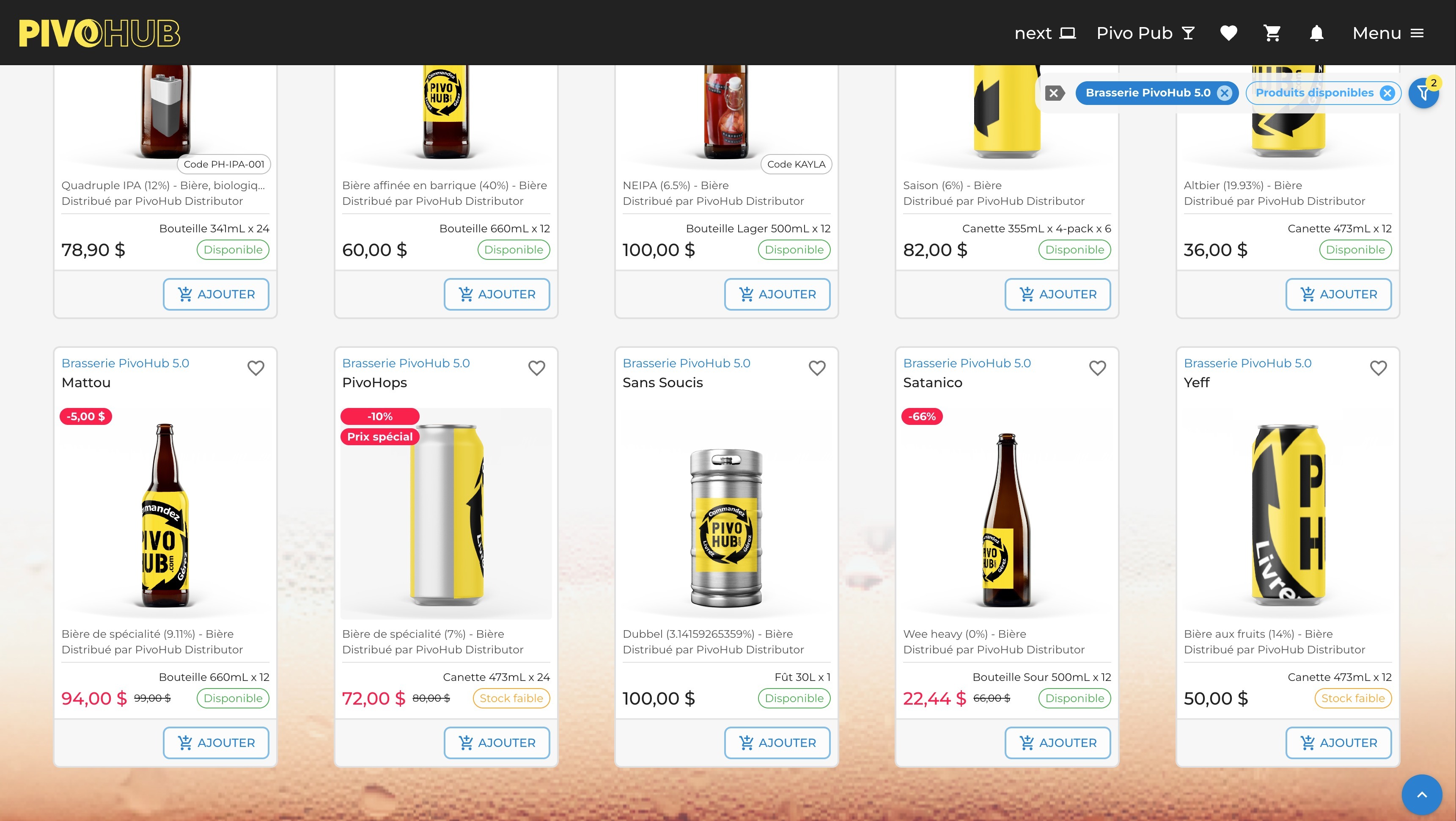
Once your order is ready, the order validation window allows you to finalize your distributor order by distributor.
Here you will also find the delivery minimums. Additional information from the distributor as well as all the important details about the order. You can also leave a note or a message for your supplier.

Was this article helpful?
That’s Great!
Thank you for your feedback
Sorry! We couldn't be helpful
Thank you for your feedback
Feedback sent
We appreciate your effort and will try to fix the article