It is possible to make an inventory transfers from your account to that of a distributor. Whether your distributor uses Pivohub or not, you have the option to carry out transfers to keep your inventories up to date directly on the platform.
Inventory Transfers
Here are the steps to follow to transfer inventory from your warehouse to your distributor:
Step 1: From your Inventory page, add your inventory to your warehouse.
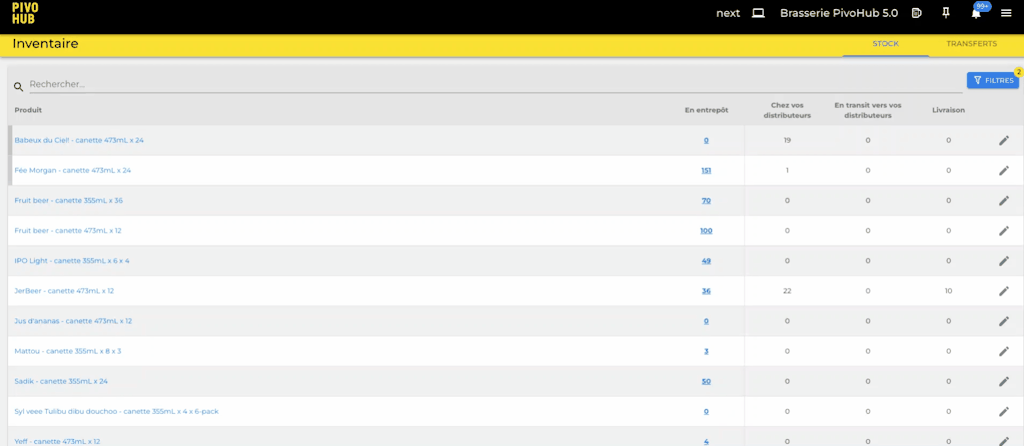
Step 2: Go to the Transfers tab.
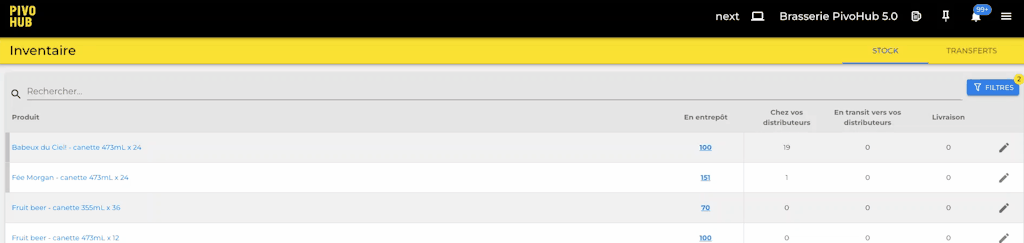
ℹ️ From the Transfers tab, you can access the history of transfers that have taken place in this account.
Step 3: Click on the Create button, then fill out the inventory form. Click Send once the form is completed.
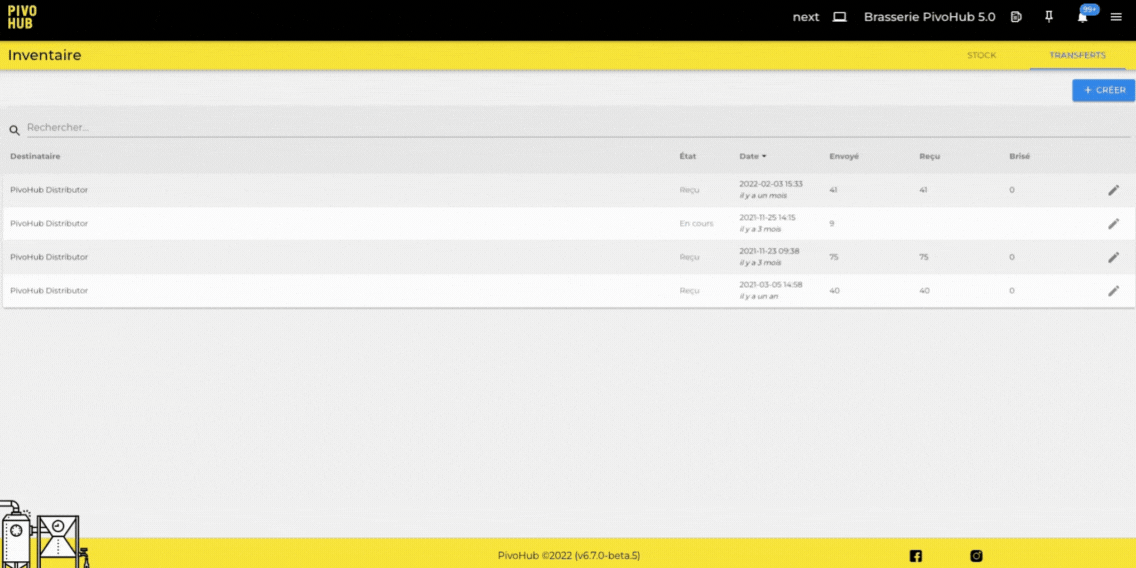
You can also use the "Save" button to create a transfer that you are not ready to send immediately. You can return to send it when you are ready!
Was this article helpful?
That’s Great!
Thank you for your feedback
Sorry! We couldn't be helpful
Thank you for your feedback
Feedback sent
We appreciate your effort and will try to fix the article