Go to pivohub.com
01
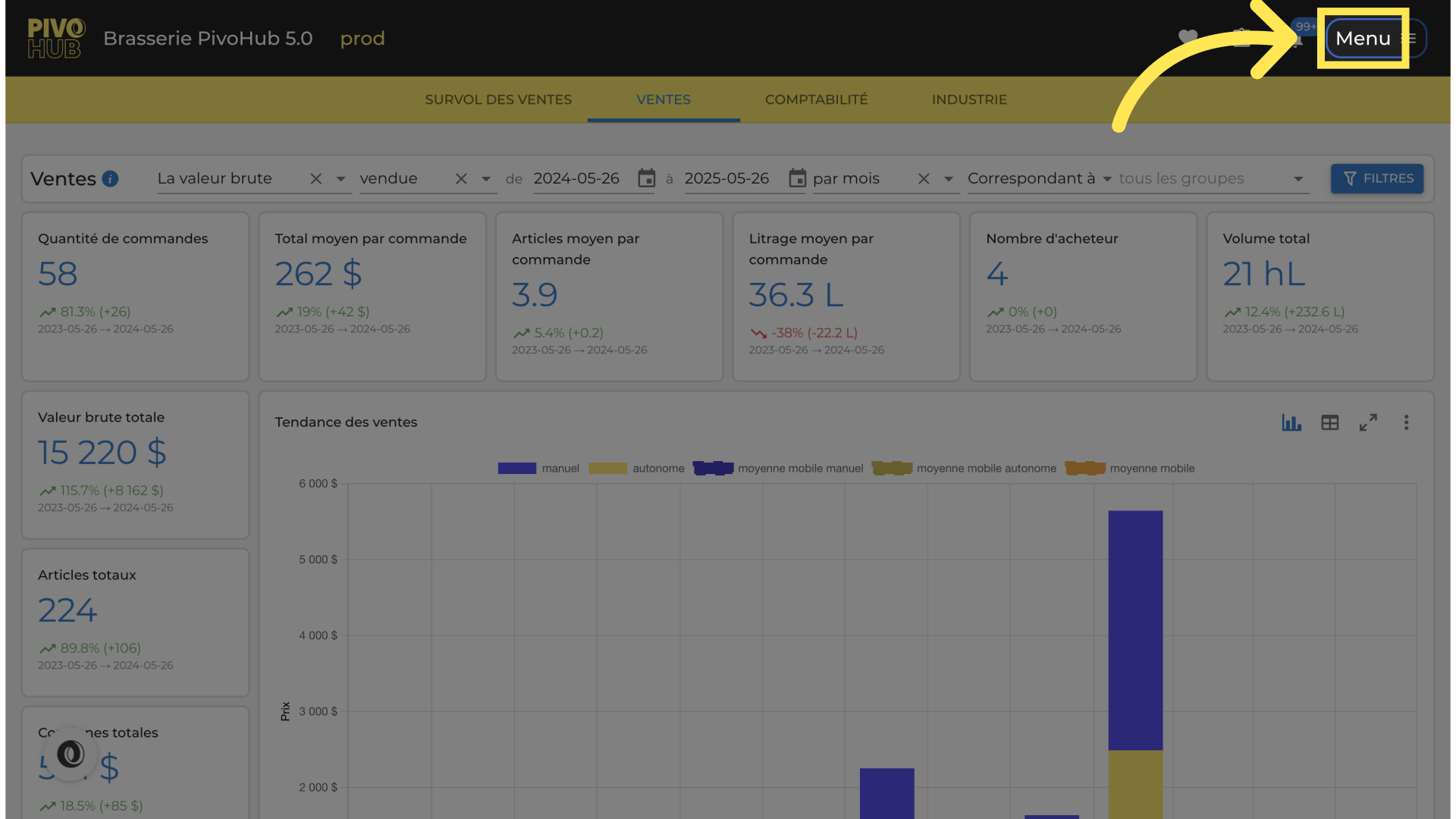
Open the "Menu"
02
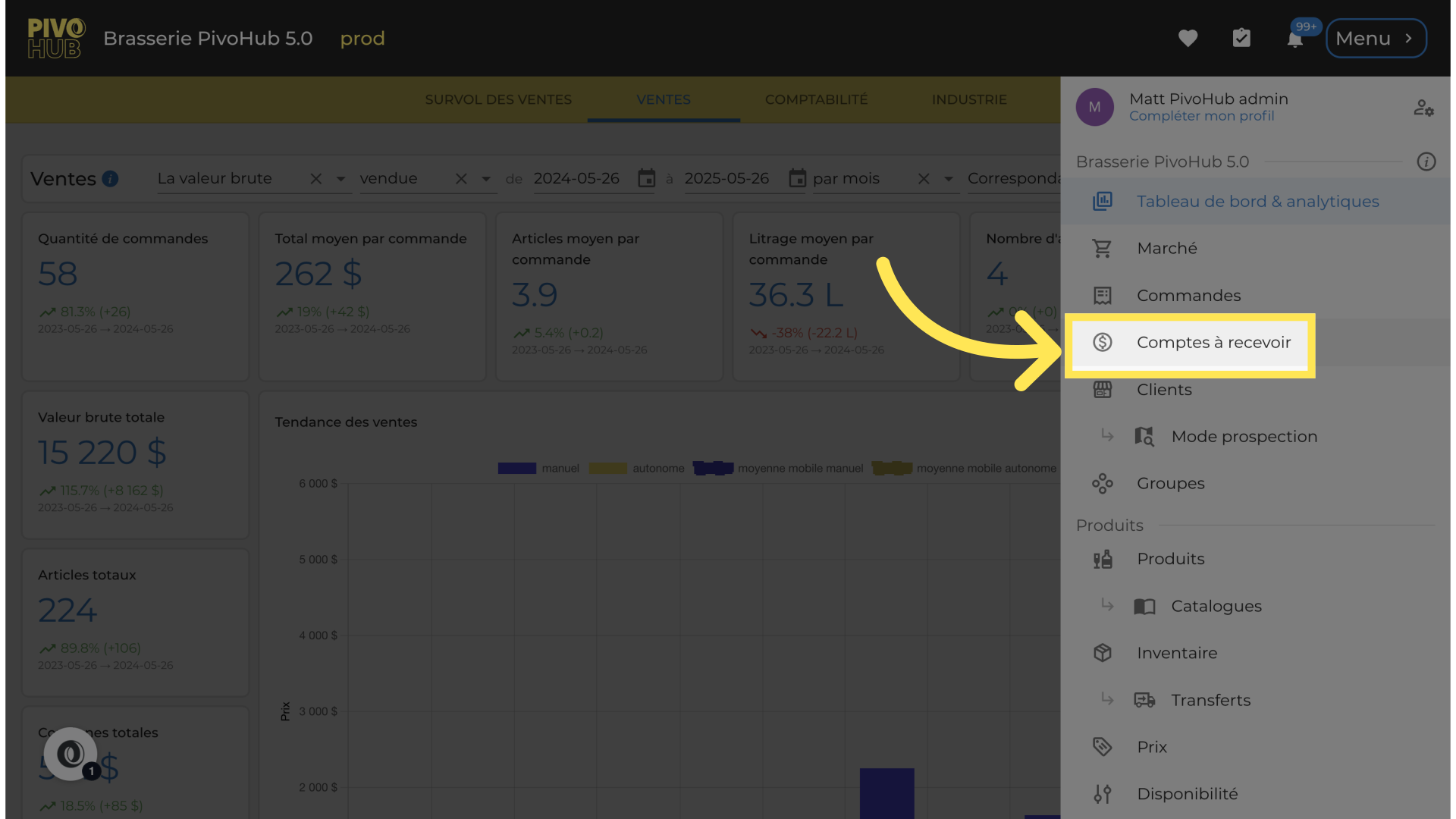
Go to "Accounts Receivable"
03
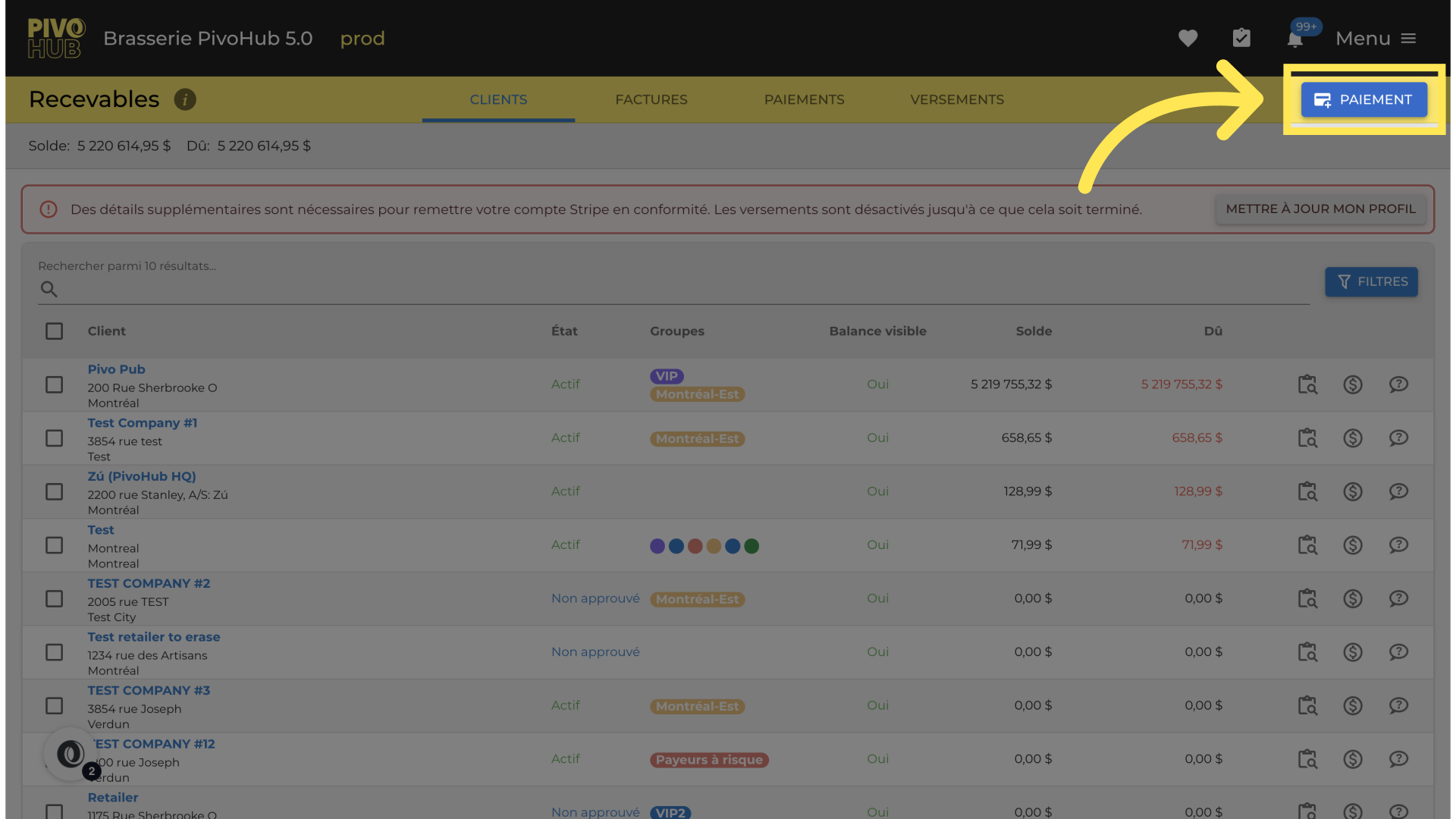
Click on "Payment"
04
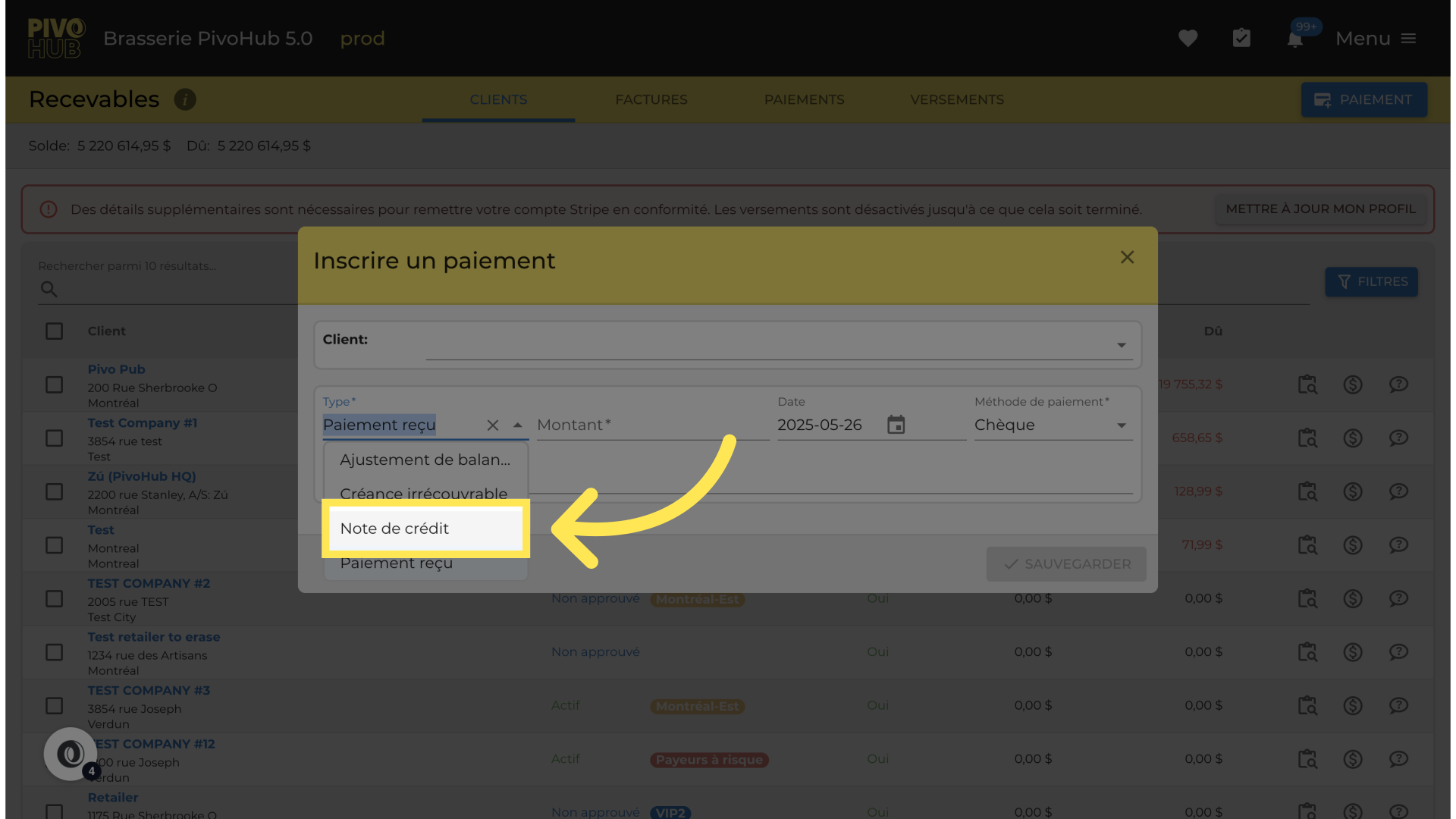
Click "Credit Note"
05
Search for your client
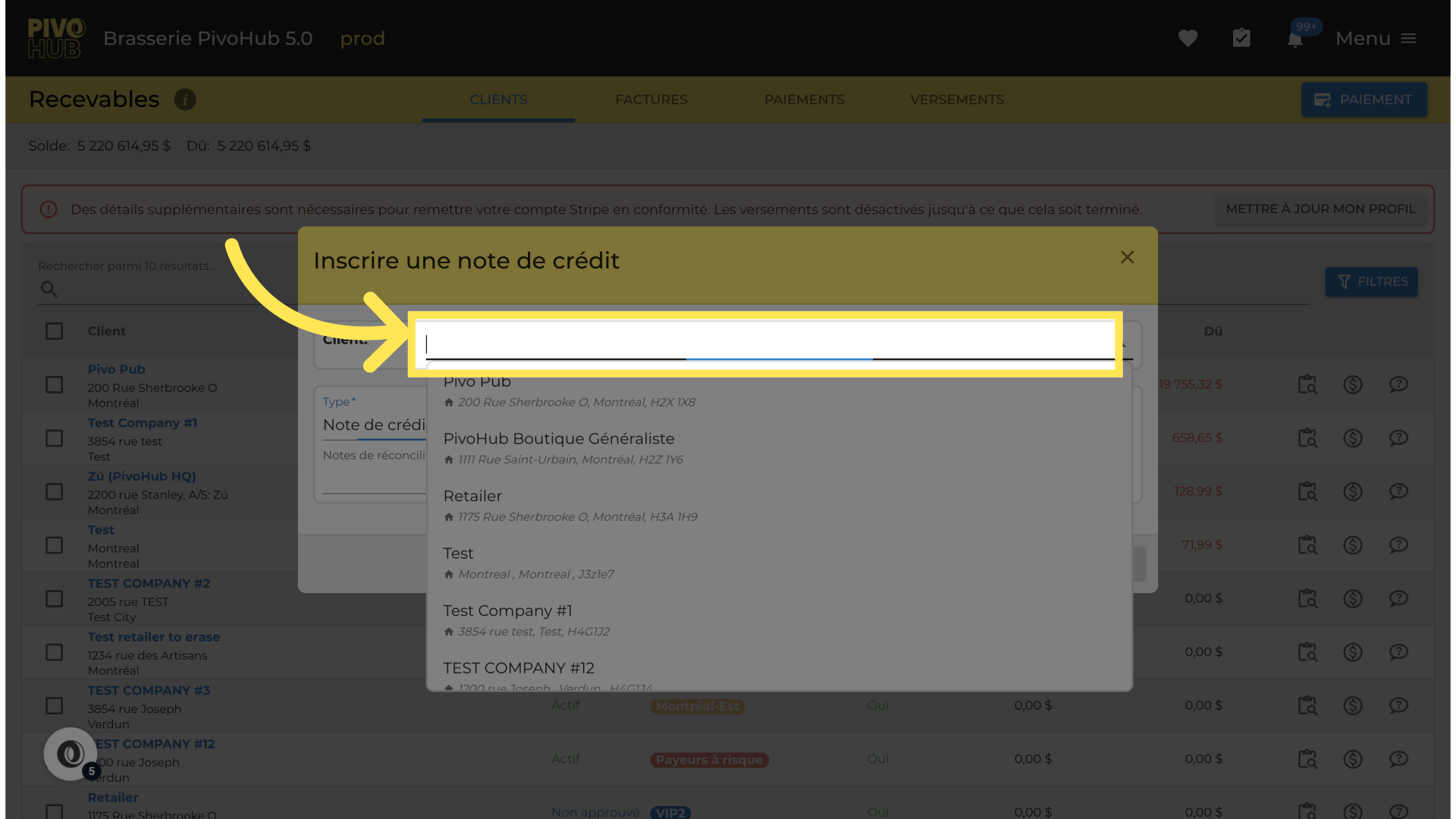
06
Select the client from the list.
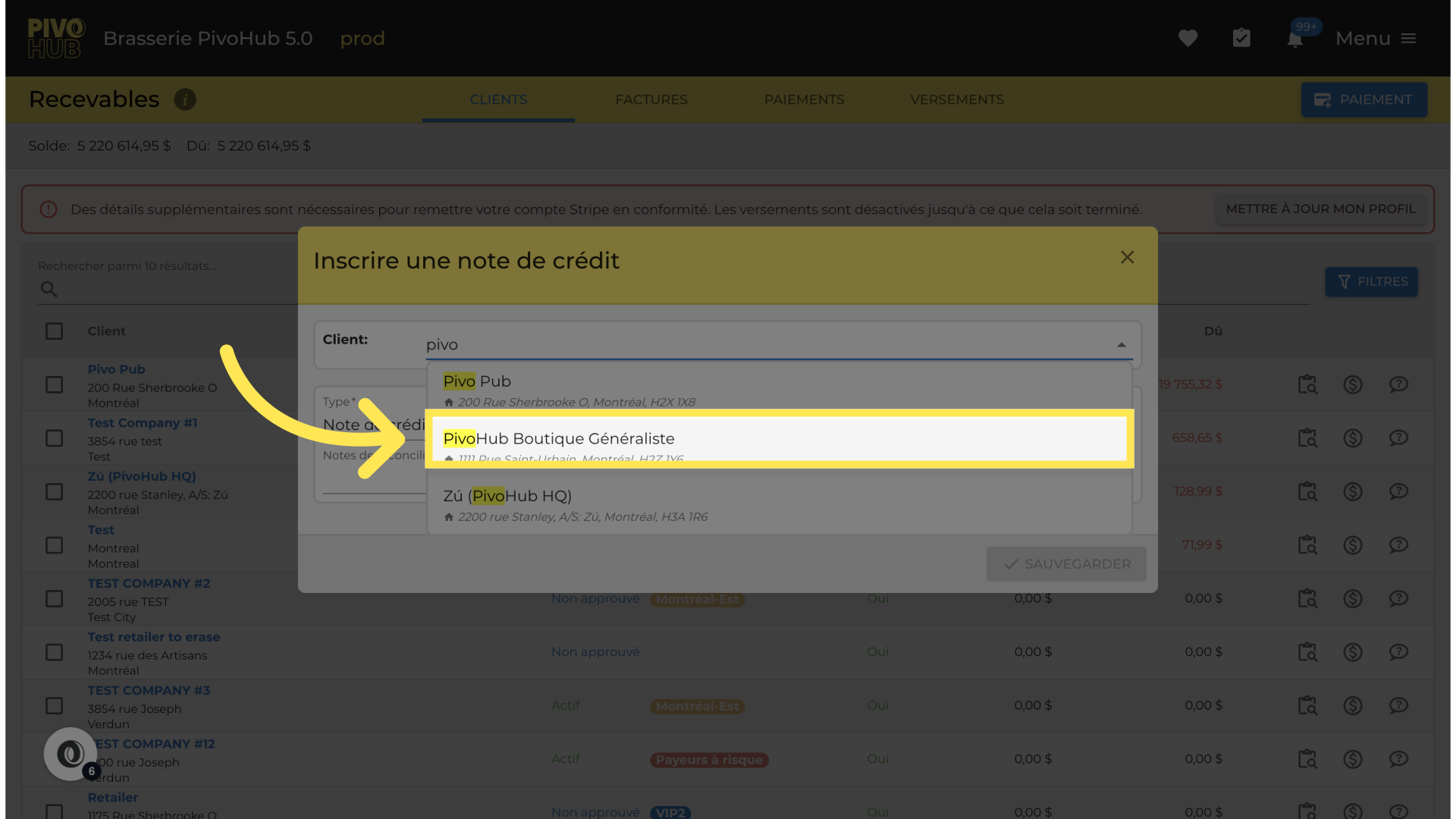
07
Go to "Amount"
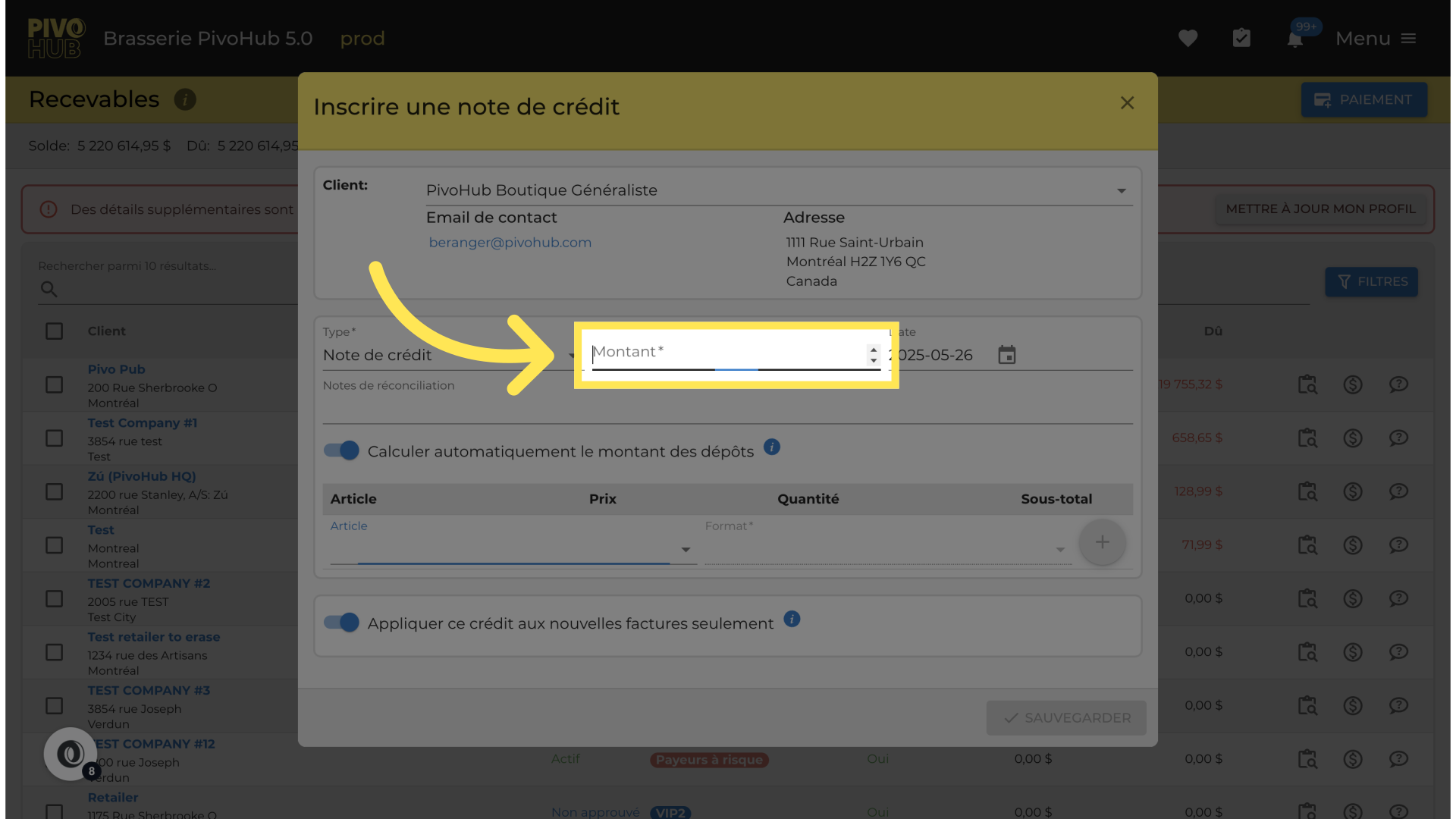
08
Enter the credit amount.
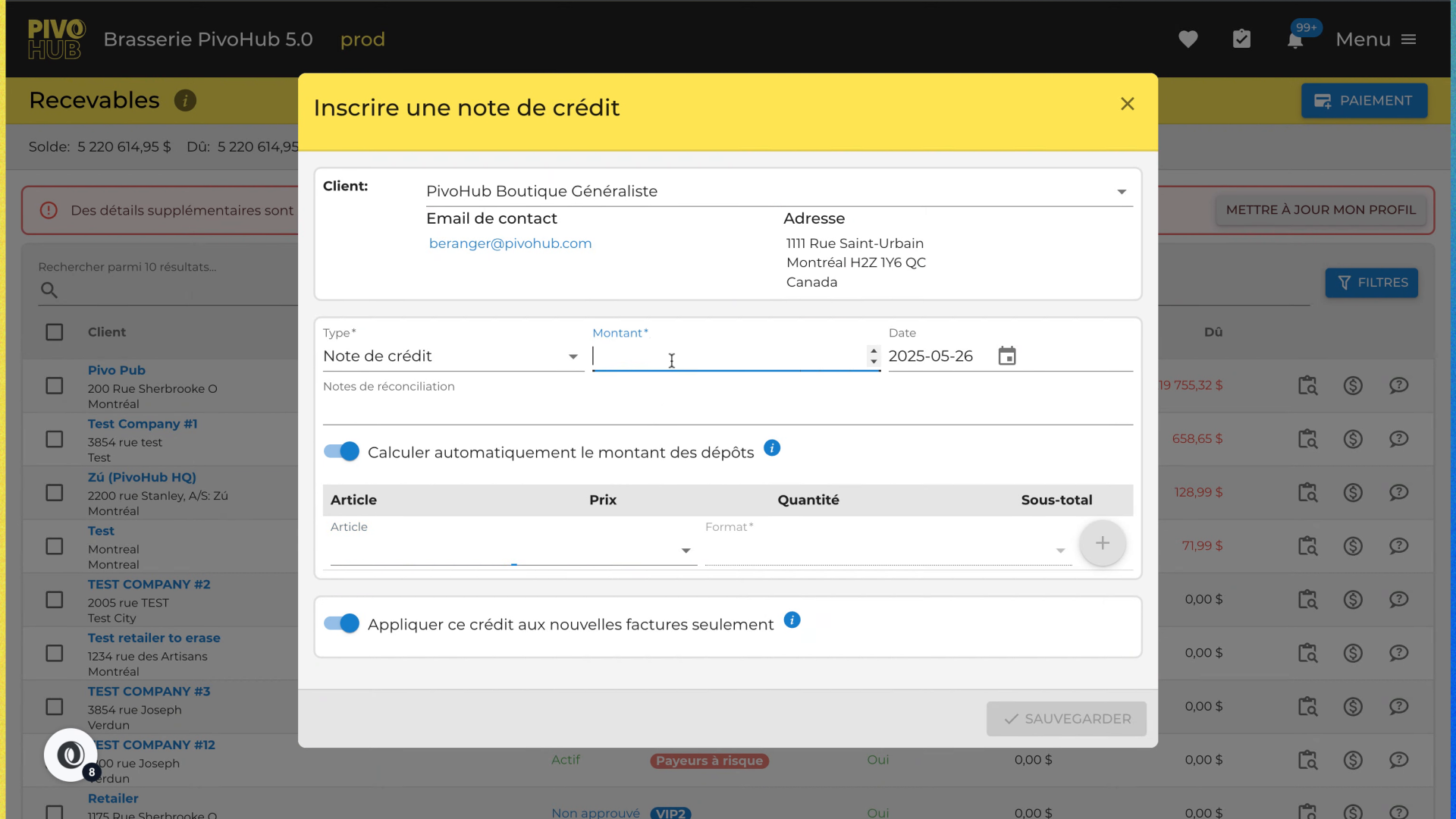
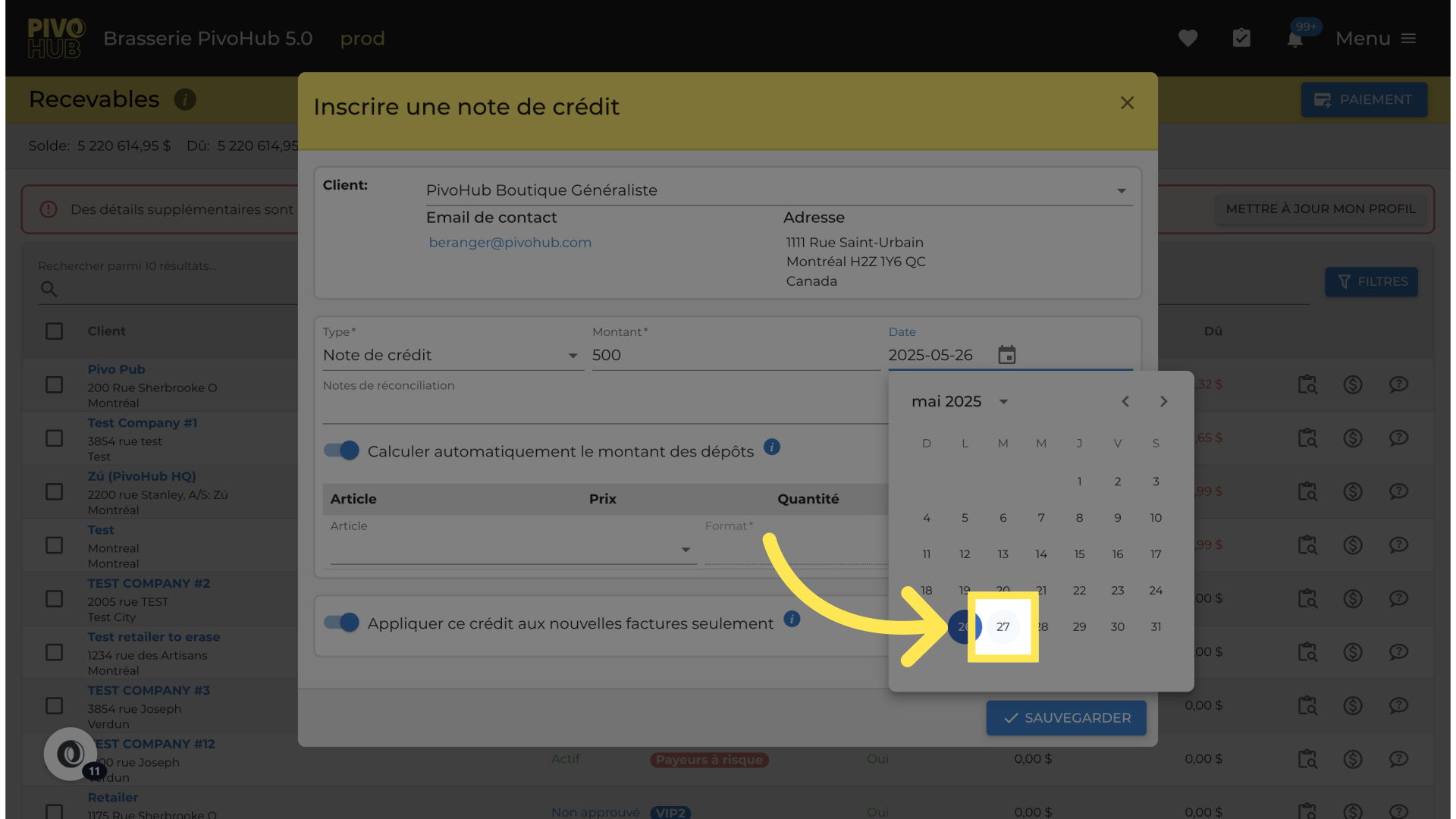
09
Choose the date
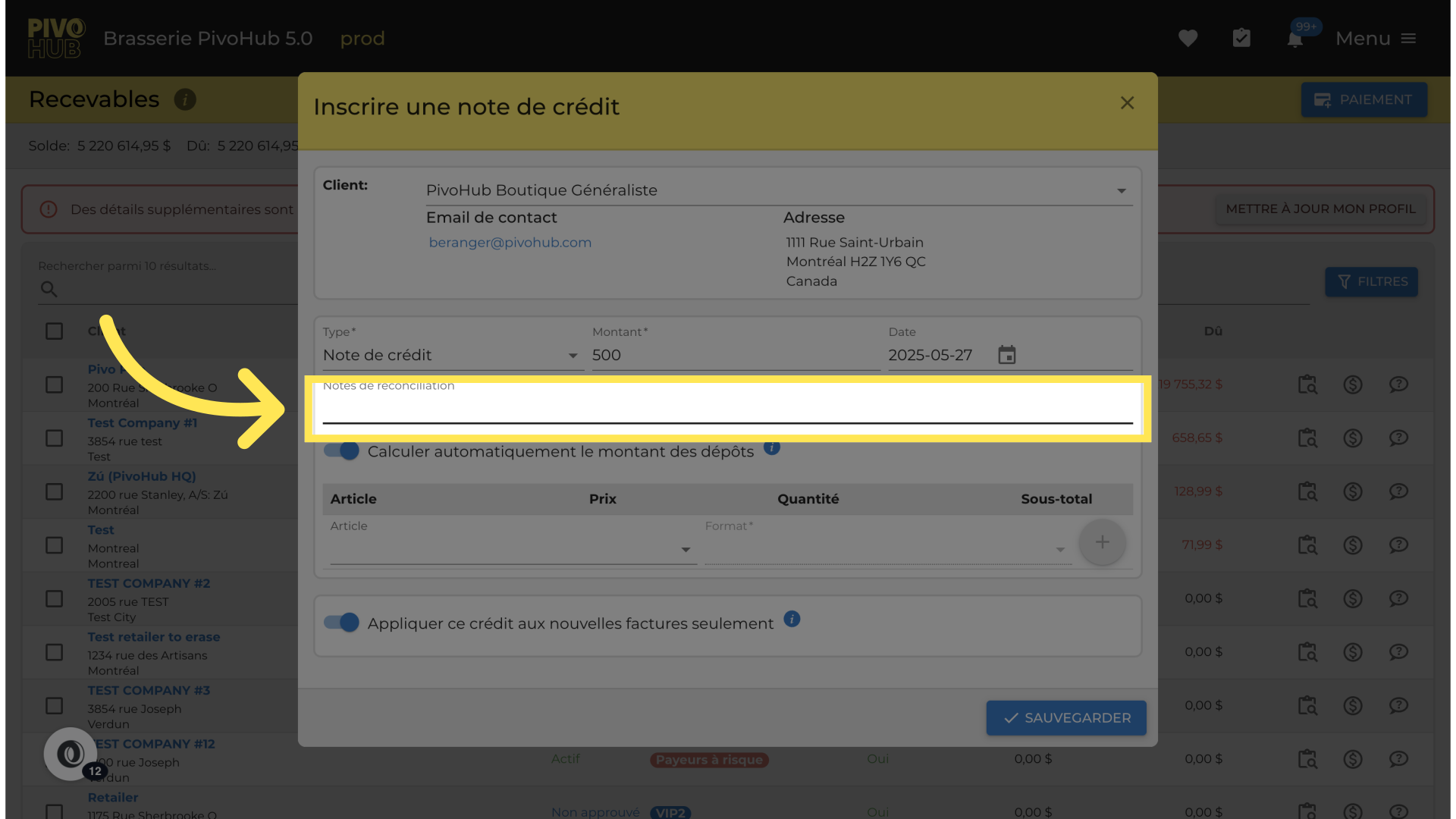
10
Add a description or a comment.
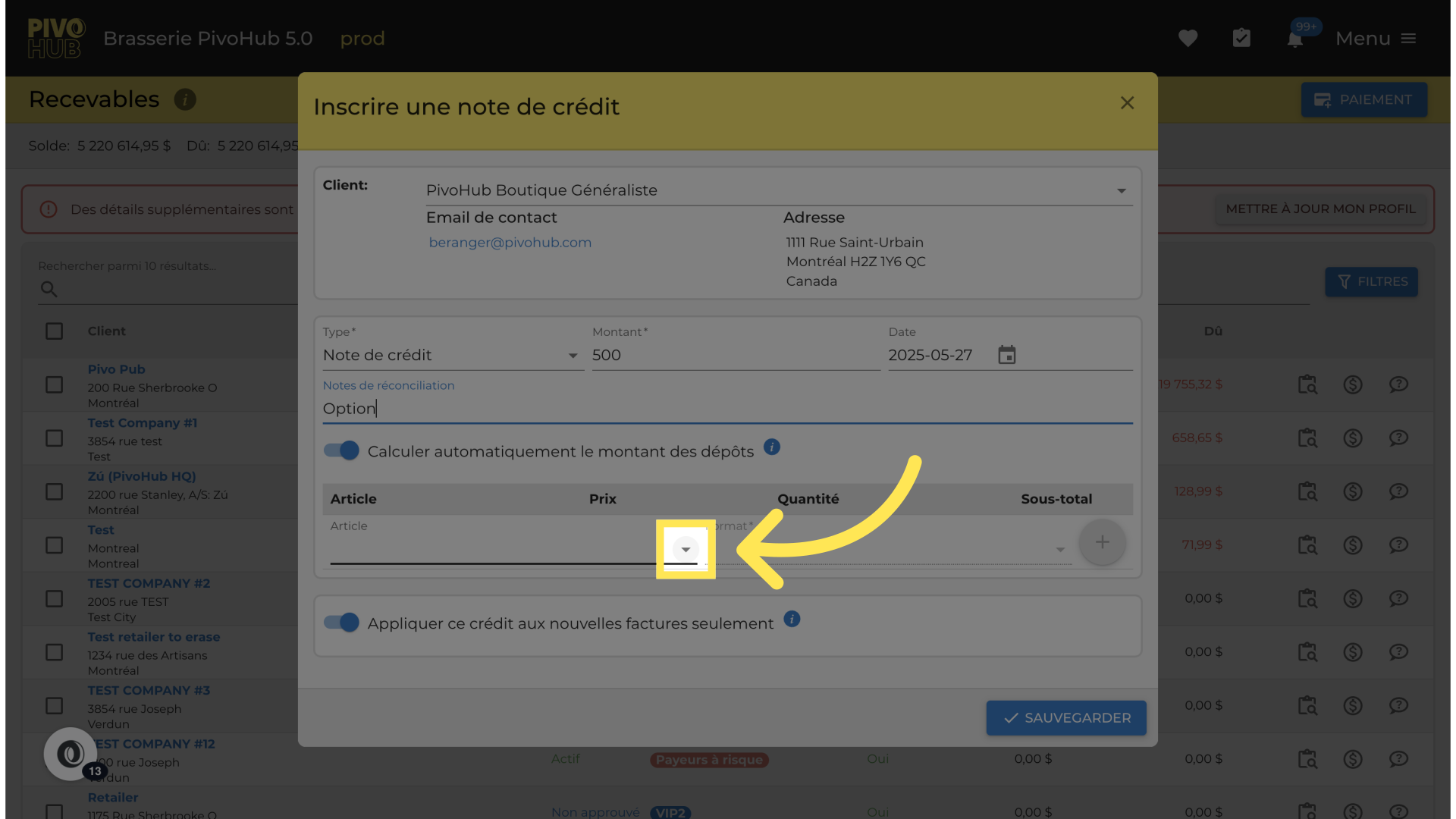
11
Credit option for specific products.
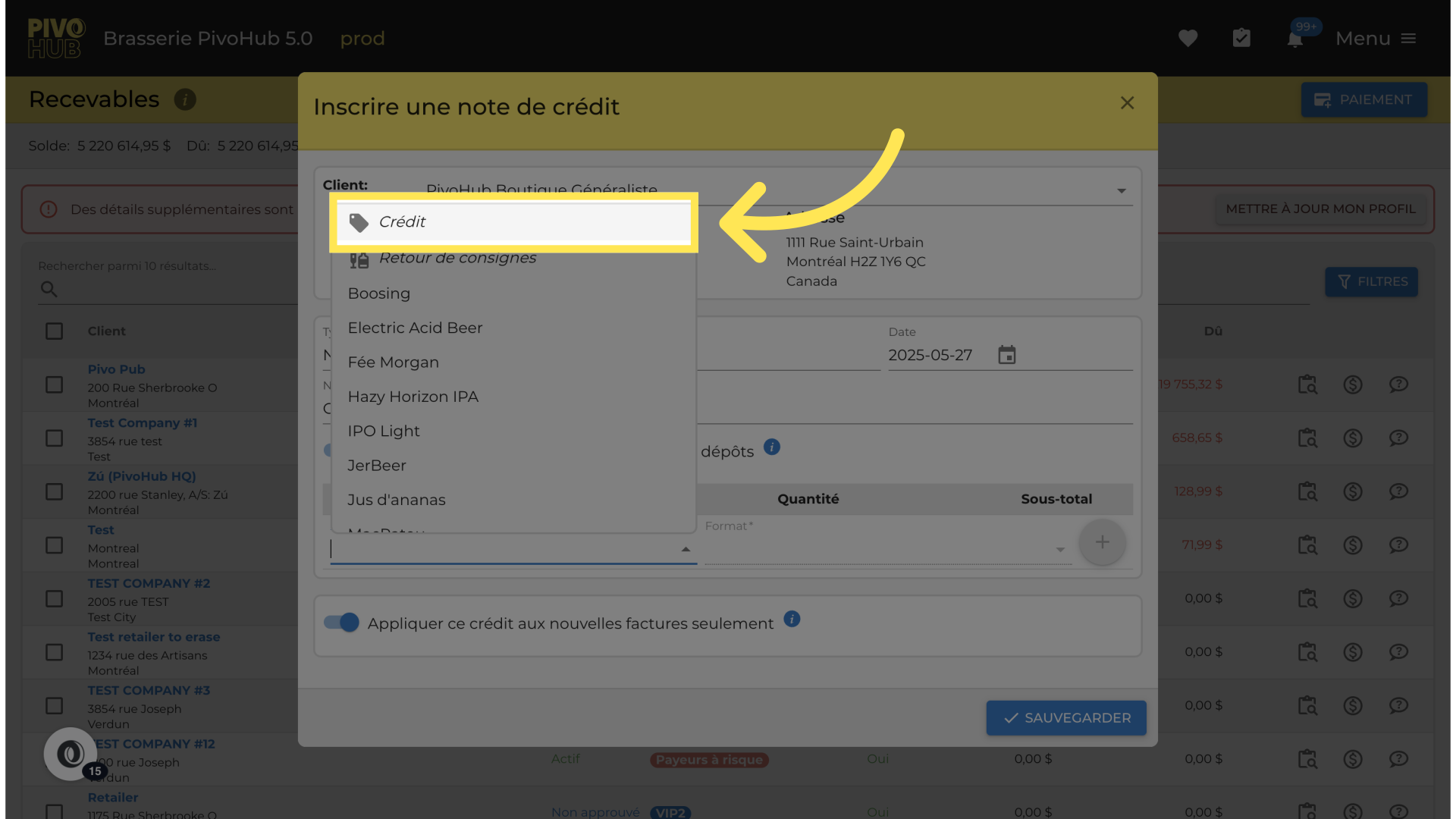
12
Choose an option.
13
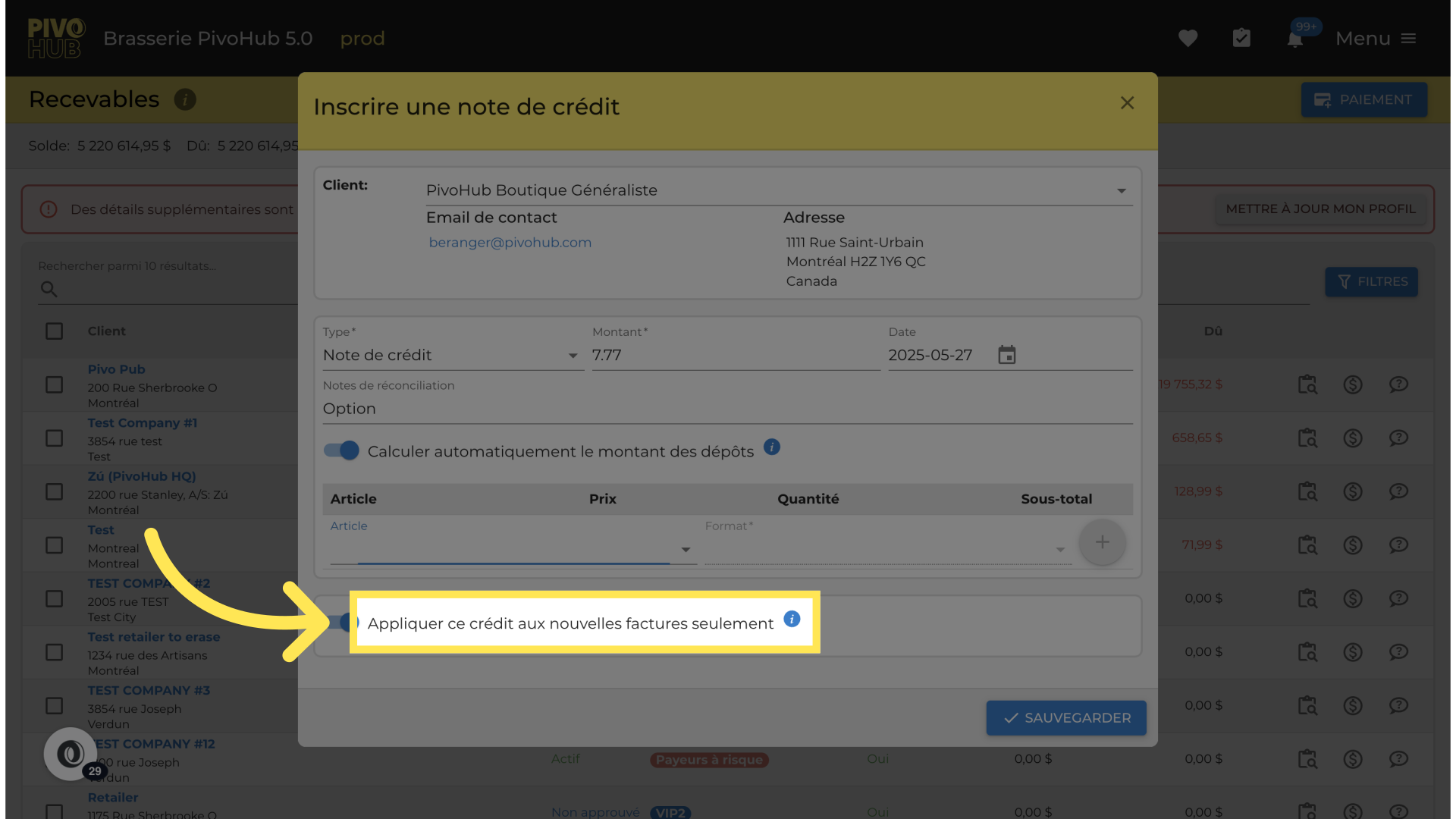
option to apply this credit only to new invoice
14
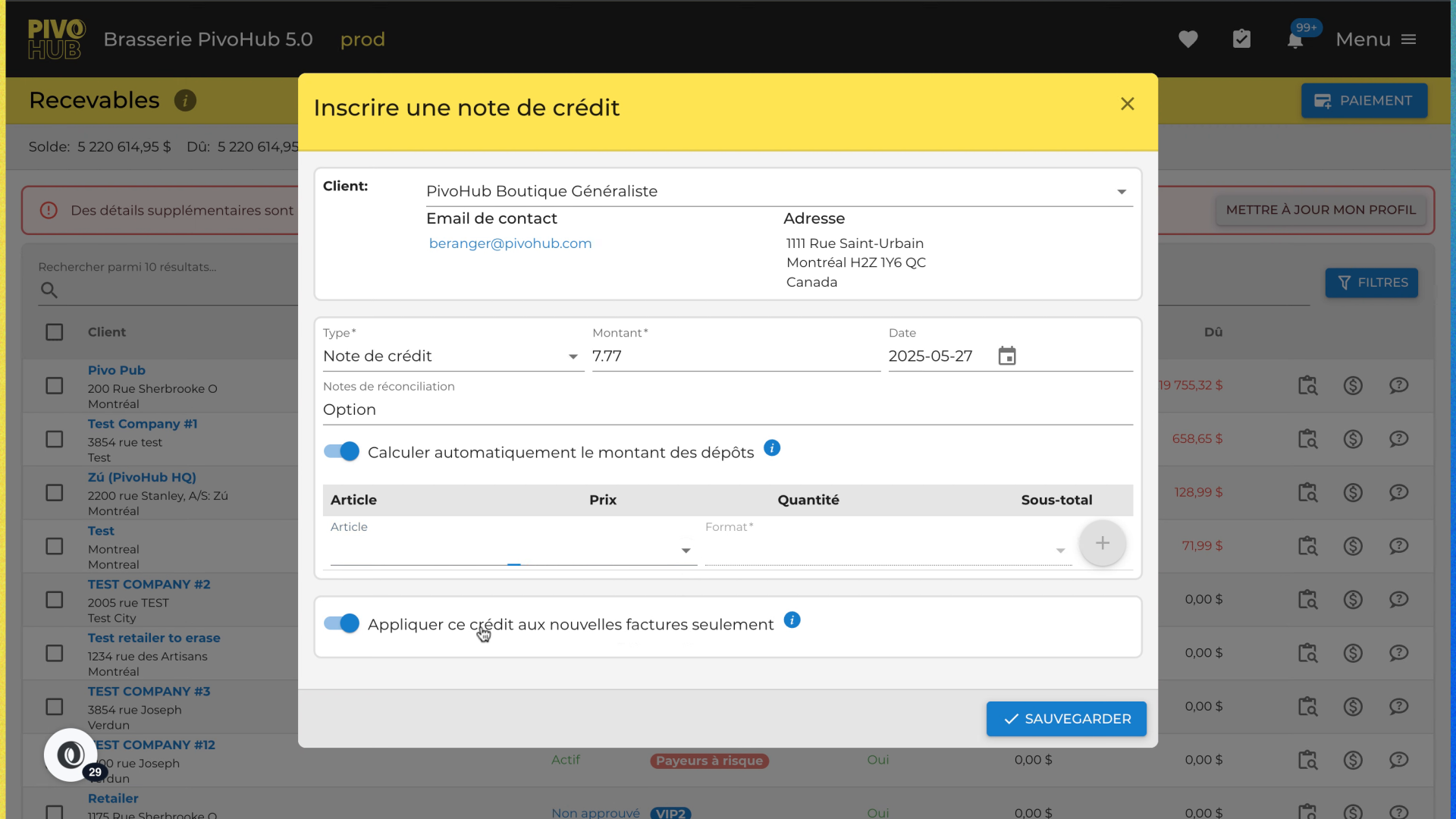
Apply an credit to an existing invoice
15
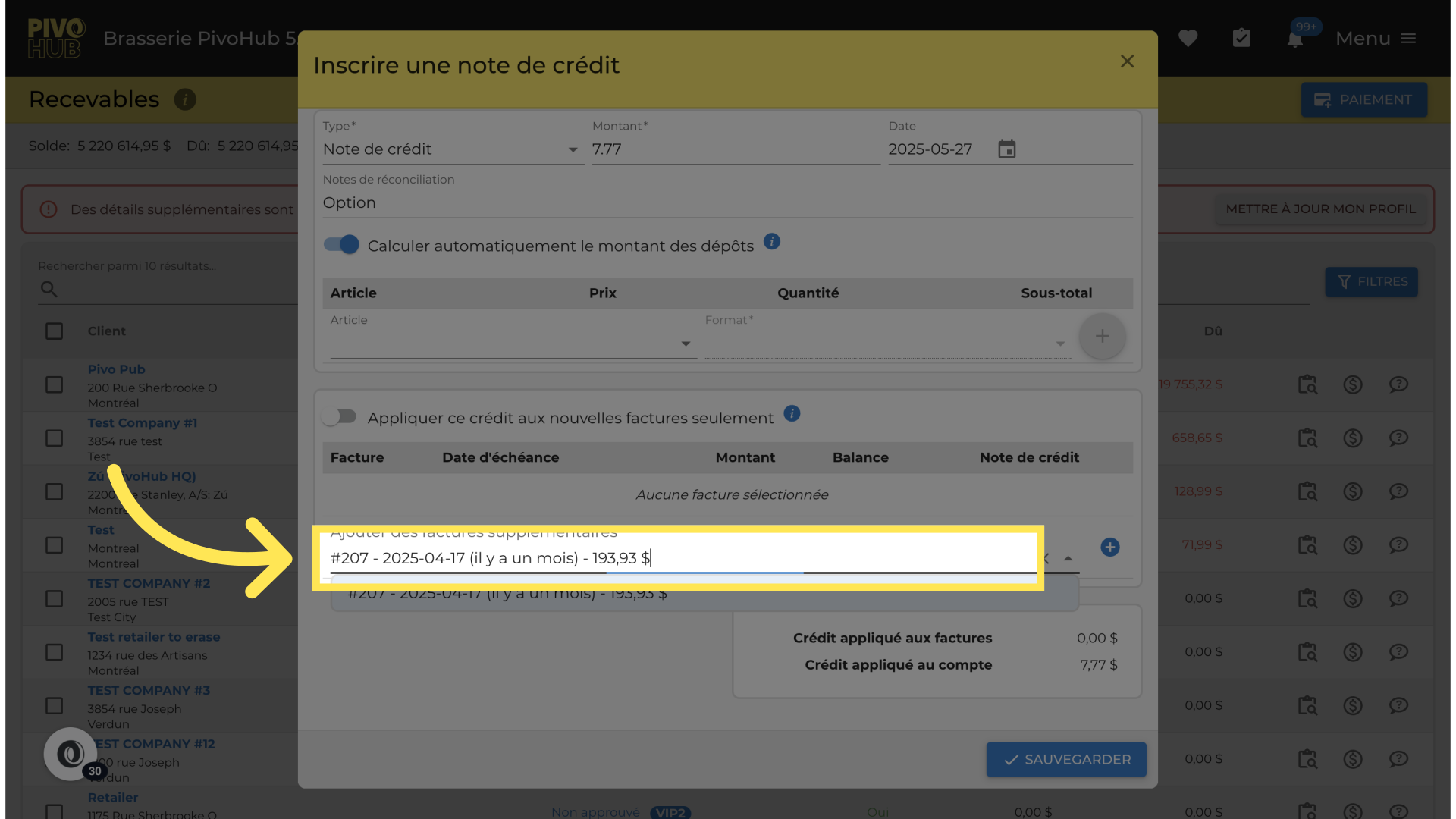
find the order that you want to apply the credit
16
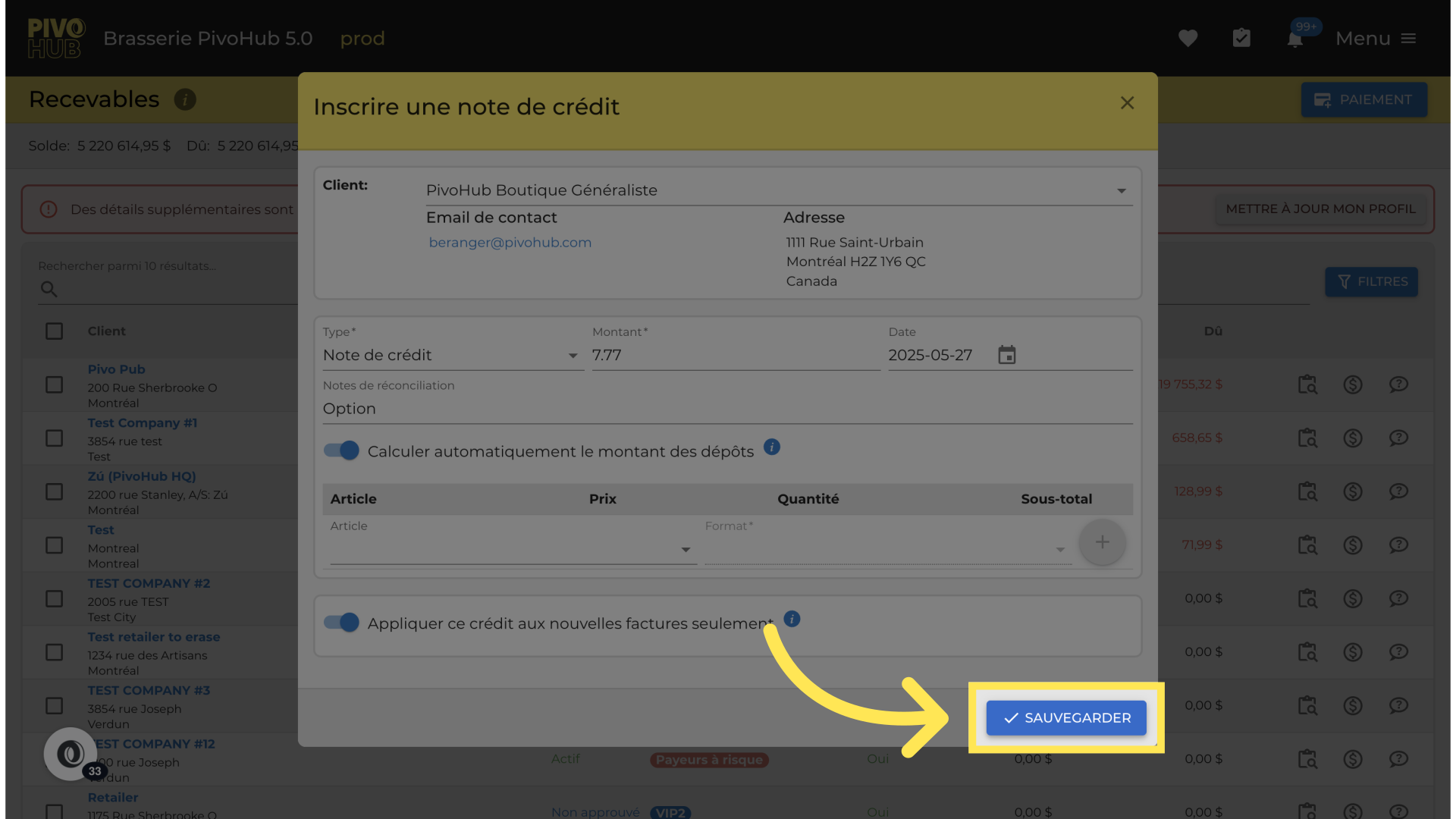
Record your credit note.
Thank you !
Was this article helpful?
That’s Great!
Thank you for your feedback
Sorry! We couldn't be helpful
Thank you for your feedback
Feedback sent
We appreciate your effort and will try to fix the article